
Send Physical Case
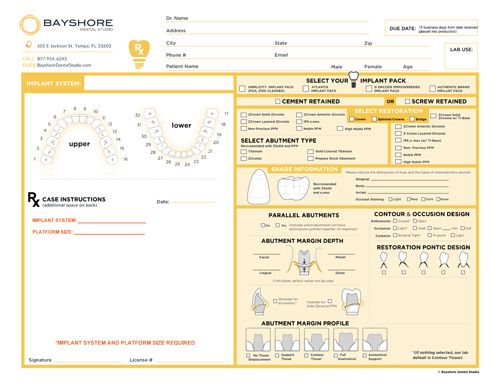
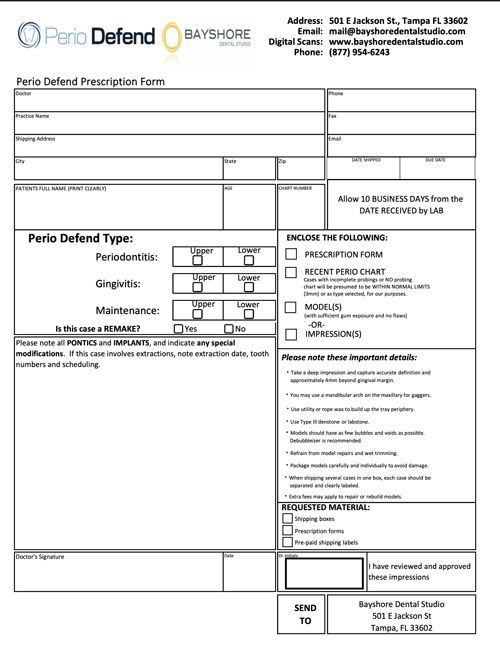
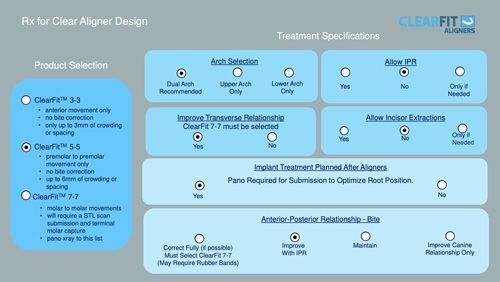
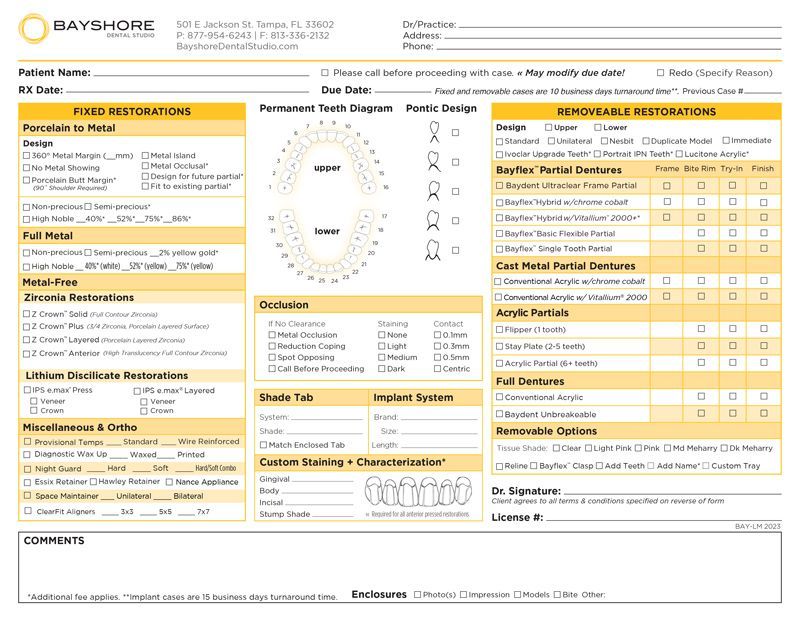
An Rx is required for every case you send to Bayshore.
For physical cases, impressions or models must be packed in a shipping box and include a printed and fully completed Bayshore RX Form inside the package.
If you have a Bayshore customer portal account, you may instead enter the case RX digitally through the customer portal. In this case, no printed RX form is required.
Use the Universal RX for most general cases, or select a product specific RX below.
How to Submit a Conventional Case
- Print and complete the Bayshore RX form
Fill out all required case details to ensure accurate processing. - Pack impressions and models securely
Use bubble wrap or other cushioning materials to protect contents during shipping. - Print your prepaid UPS shipping label
Labels are provided to make shipping fast and hassle-free. - Schedule a UPS pickup from your practice
Arrange pickup directly from your office for maximum convenience - either through UPS or by scheduling it in the customer portal.
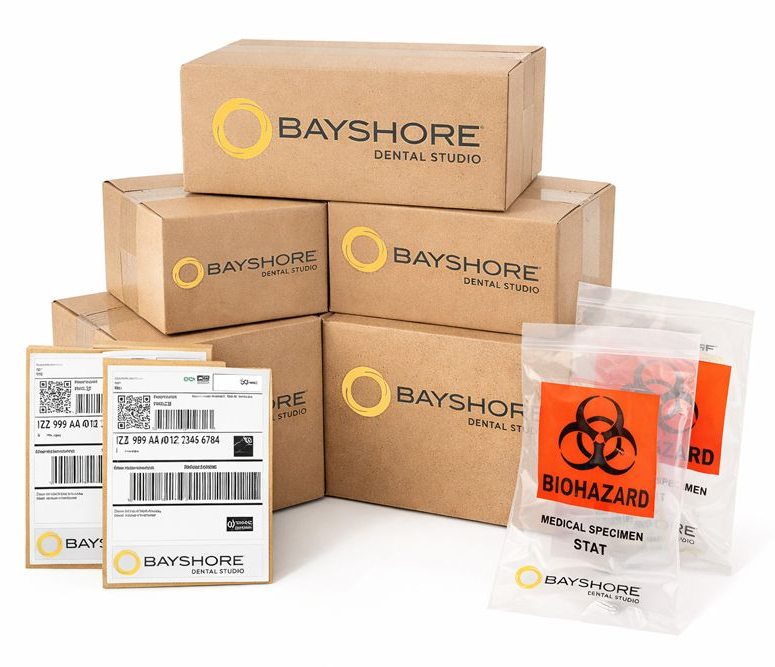
Need to order Case Supplies?
All essential case shipping supplies are provided to your practice. This includes shipping boxes, UPS labels, and biohazard bags, so you can package and send cases quickly and compliantly without extra ordering or added expense beyond shipping costs.
You can order case supplies directly through the customer portal at any time. If you need assistance or prefer to place your order by phone, our team is always happy to help.
Need Assistance? Call 877-540-4150
All cases can be uploaded through the Customer Portal.
If you are a current customer not yet registered, or if you are a new doctor, click the
Register button and select the
Sign Up link next to the
Not a Member? to create your account.
You can also call us at 877-540-4150 and our team will be happy to assist you.